

Traceable sources
Keep discovery sources, official links and check dates together. Missing terms remain clearly identified.
A personal opportunity workspace for AI creators and designers
Find opportunities · Understand the terms · Keep track
Each collaboration, contract and competition calls for a different set of checks
Compare deliverables and pay, then check payment and usage rights
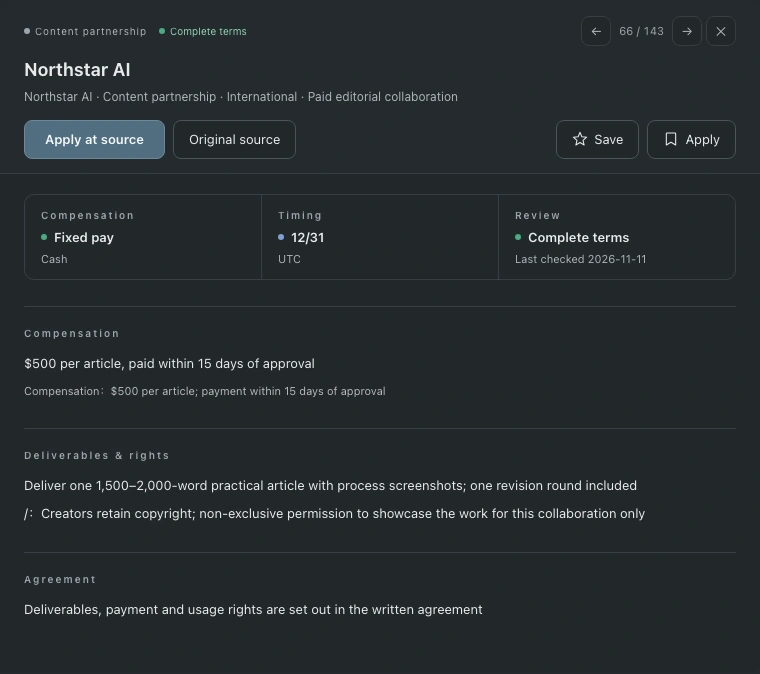
Explore, open the details, then save promising opportunities and note your next step
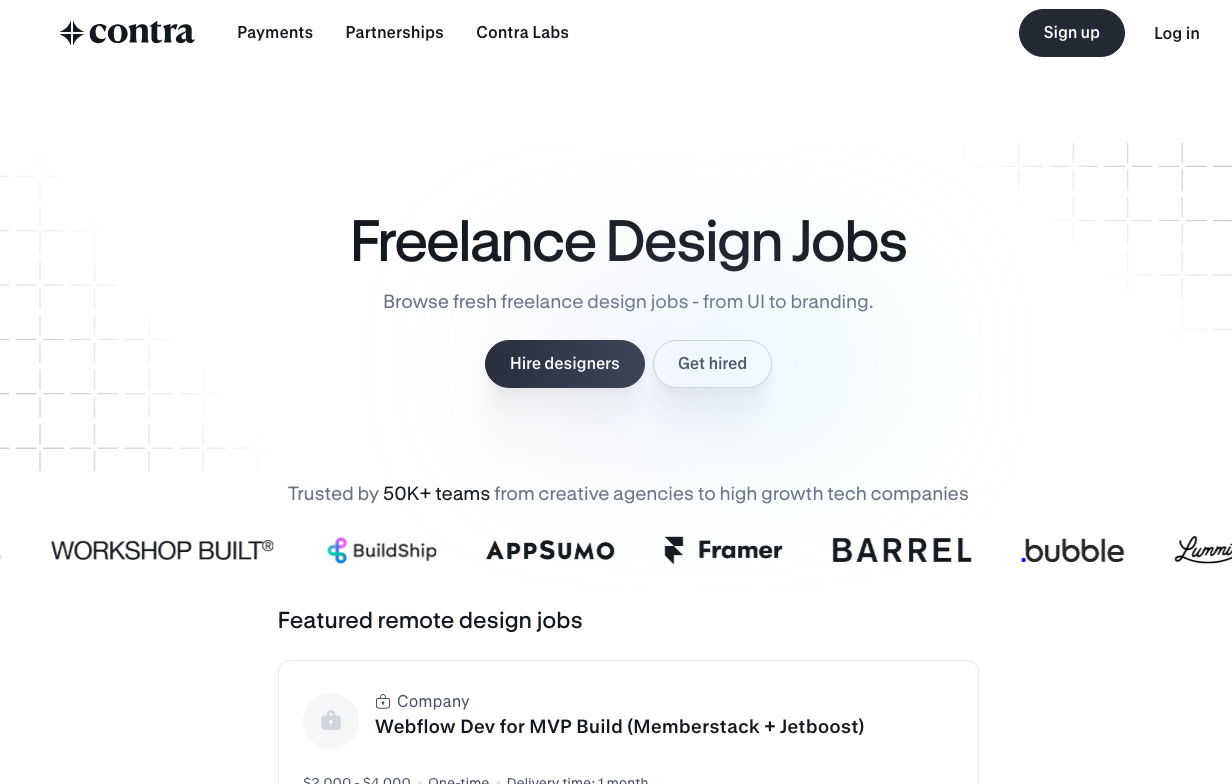
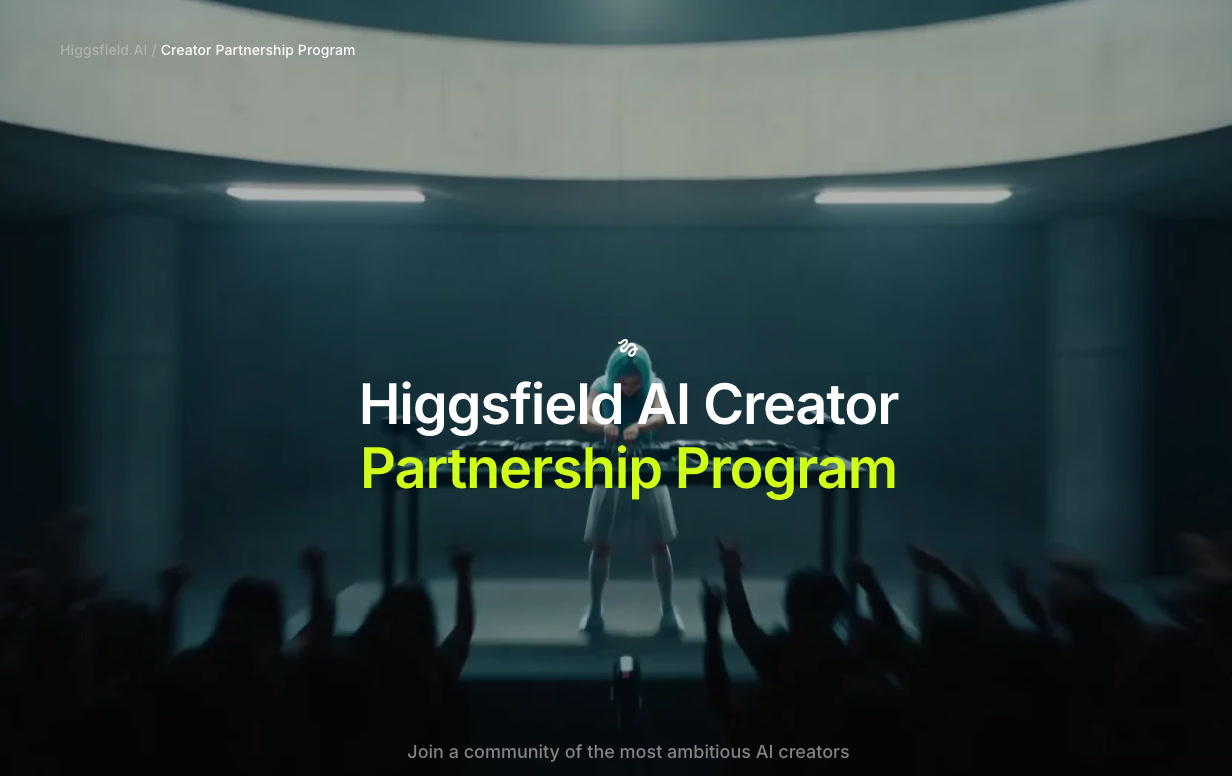
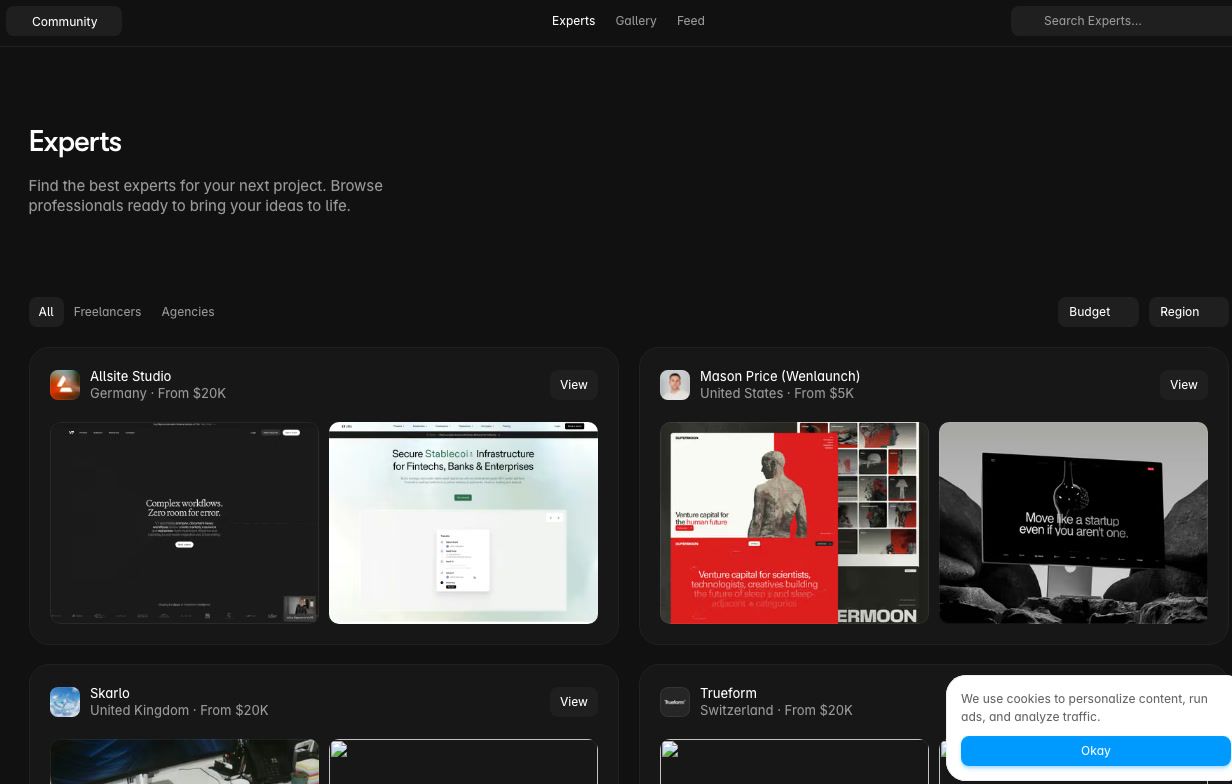
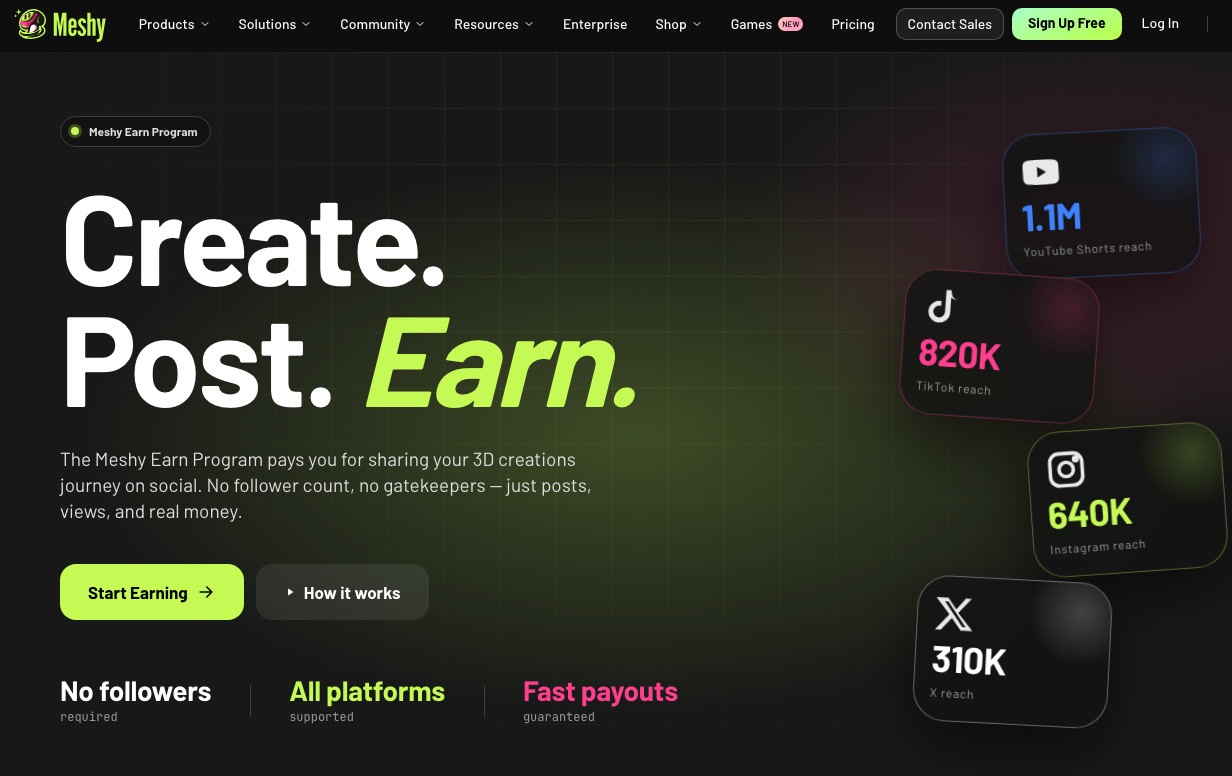
Explore content partnerships, creator programs, competitions and design contracts. Filter by region, language, pay, deadline and work arrangement.
Review sources and check dates alongside the details. Track changes and back up your saved items and notes.
Keep discovery sources, official links and check dates together. Missing terms remain clearly identified.
Check configured sources when you choose. Changed sources and new leads go through review.
Saved items, application status and notes stay in the current browser and can be exported as a backup.
Start the local service on your Mac, then open the workspace in your browser to continue exploring and following up.
The list and details adapt to your window, with a side-by-side view on large screens and comfortable reading in smaller windows.
Choose a light or dark interface to suit your reading preferences and workspace.
Found a problem or have a feature in mind? Write to me. Screenshots are welcome too.
AI creators and designers looking for content partnerships, creator programs, design contracts or competitions. Compare the terms and keep the opportunities you want to pursue.
These personal records stay in your current browser. Export a backup from the workspace to keep your own copy.
Choose Update to check configured sources. Each opportunity shows its latest check date in the details.
Once the local service is running, you can view locally saved opportunities and records. Checking sources and opening external links requires an internet connection.
Downloads are not available yet. This page will be updated when the product is ready.
Export your personal records from the old browser, then import the backup into WincyScope on your new Mac. The same process works when changing browsers.