
Saved locally
Your notes are stored locally on your Mac

A lightweight desktop note for planning and reflection on your Mac
For Apple silicon Macs running macOS 14 or laterA simple note that fits the way you work

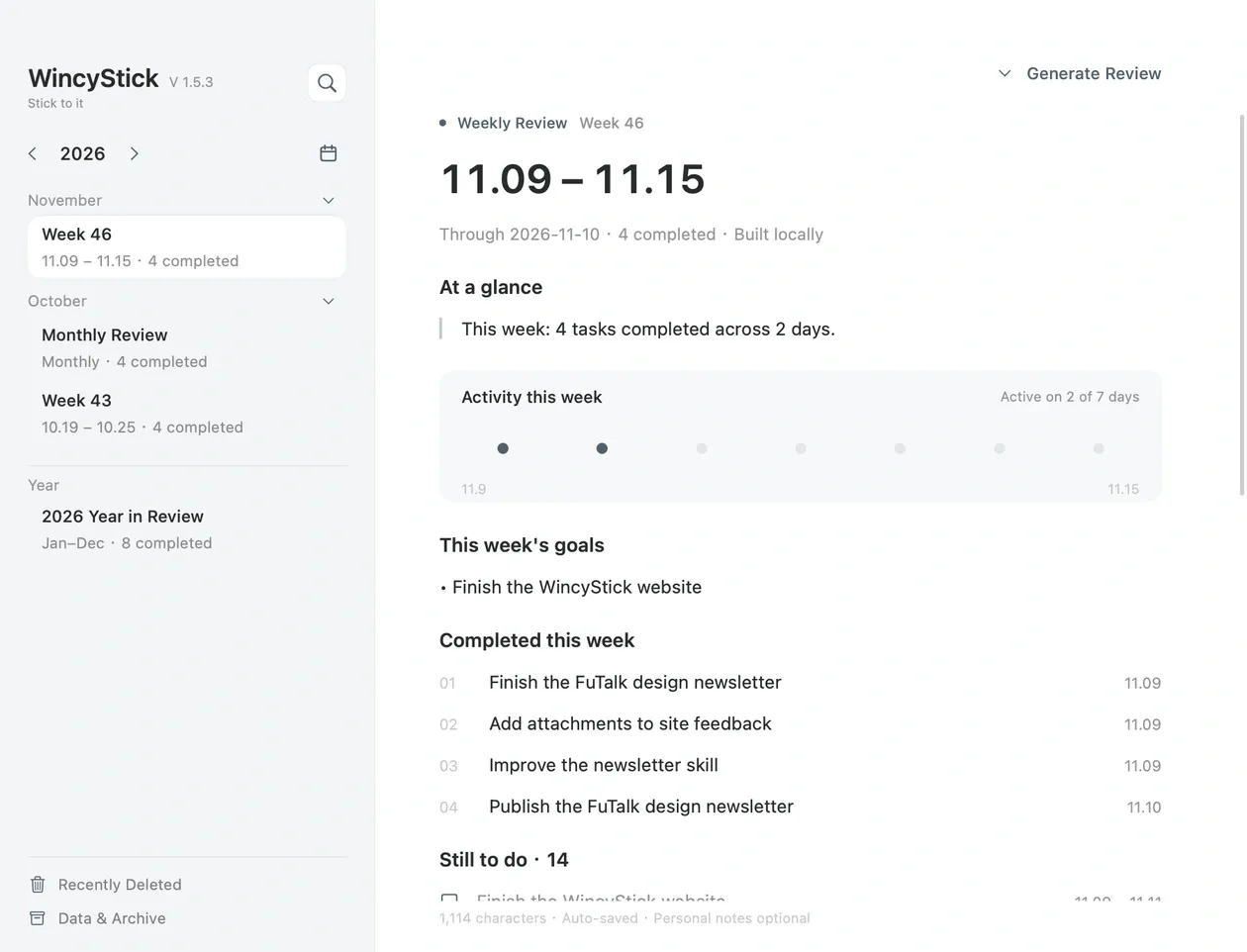
Your daily tasks become weekly, monthly, and yearly reviews
See what you completed this week and what is still on your list
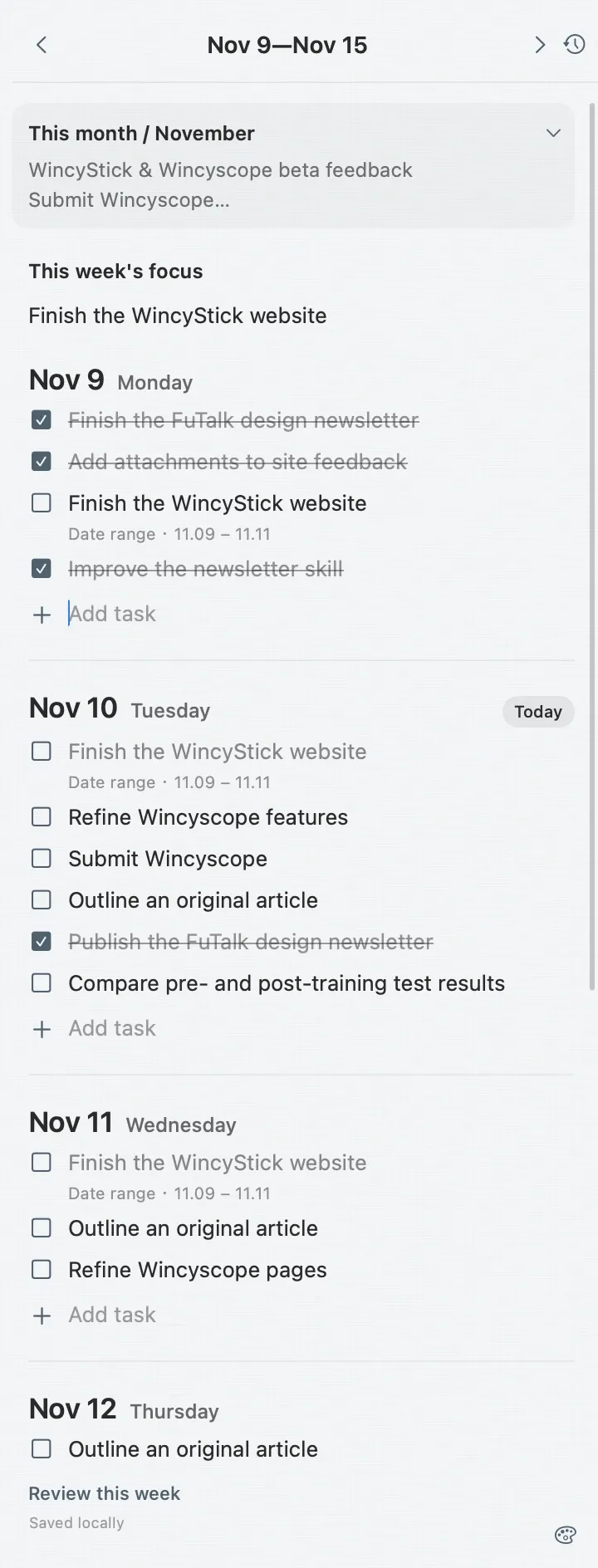
Keep a note in the corner and your attention on the task at hand


Pick a color for today
Your notes are stored locally on your Mac
A local backup is made before the first update each day. The most recent 30 backup dates are kept.
Save your weekly, monthly, and yearly reviews to your own Obsidian vault
Have a feature request or a problem? Send me a note. You can attach screenshots too.
The current beta supports Apple silicon Macs running macOS 14 or later.
Your saved tasks stay on your Mac. Click the Dock icon or press Control + Option + Command + P to bring the note back.
WincyStick builds basic reviews locally from your plans and completed tasks. You can add your own reflections too.
Copy a backup from your old Mac to the new one, then use Backup & Restore in WincyStick.
Only the section managed by WincyStick is updated. Your notes outside it are kept. Conflicts, damaged archive markers, or edits inside the managed section stop that file from being overwritten and trigger a warning.
Your tasks and basic reviews are stored on your Mac. Daily notes and basic reviews do not need cloud processing.
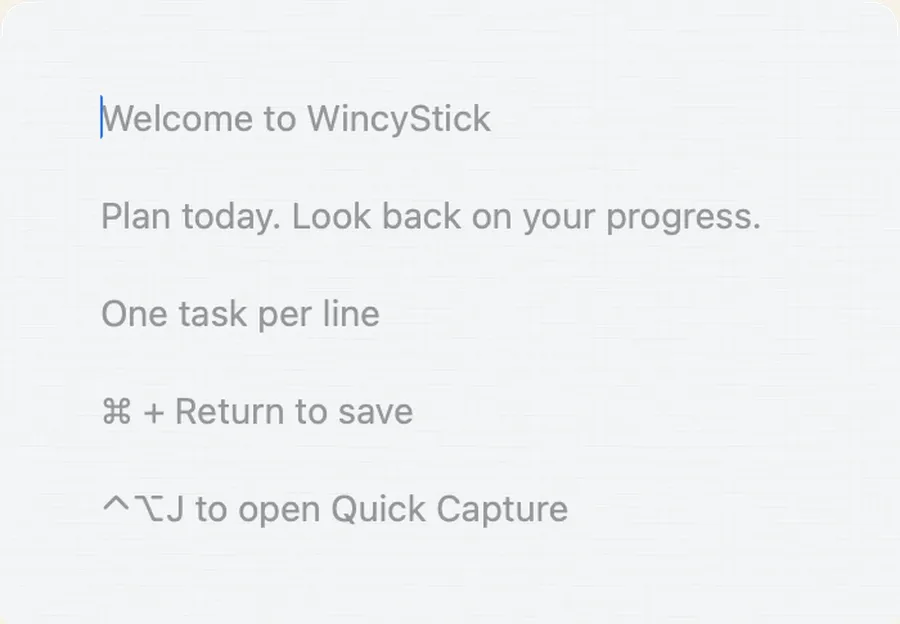
Quick Capture saves to today's tasks in the same local notebook on your Mac.